
This article provides a guide to deploy Issabel PBX on Rocky Linux VPS.
Here is a complete, start-to-finish deployment guide for installing Issabel PBX + Contact Center on a Rocky Linux VPS (recommended: Rocky Linux 8.x).
🚀 Overview: What You’re Deploying
Issabel PBX is a full VoIP + unified communications system (based on Asterisk) that includes PBX, call center, email, and more
- Issabel 5 is built on Rocky Linux 8 with long-term support
- Contact Center is an addon module that enables call queues, campaigns, agents, and predictive dialing

Compare Rocky Linux VPS Plans
Deploy Issabel PBX on Rocky Linux VPS
To deploy Issabel PBX on Rocky Linux VPS, follow the steps below:
-
VPS Requirements (Production Recommended)
Minimum
- 2 vCPU
- 4 GB RAM
- 40 GB SSD
- 1 public IP
Recommended (Contact Center)
- 4+ vCPU
- 8–16 GB RAM
- Low-latency network (VoIP critical)
Open Ports
dnf install firewalld -y
systemctl start firewalld
firewall-cmd --zone=public --permanent --add-port=22/tcp
firewall-cmd --zone=public --permanent --add-port=80/tcp
firewall-cmd --zone=public --permanent --add-port=443/tcp
firewall-cmd --zone=public --permanent --add-port=8088-8089/tcp
firewall-cmd --zone=public --permanent --add-port=5060/udp
firewall-cmd --zone=public --permanent --add-port=10000-20000/udp
firewall-cmd --reload
-
Deploy Rocky Linux (Minimal Install)
Use:
See Also: 🚀 How to Deploy KumoMTA on Rocky Linux VPS (Easy Step-by-Step Guide)
- Rocky Linux 8.x Minimal ISO
- Set:
- Static IP
- Hostname (VERY important for PBX)
Example:
hostnamectl set-hostname pbx.example.com
Update system:
dnf update -y
-
Prepare the Server
Install dependencies:
dnf install -y epel-release
dnf install -y wget nano git yum-utils
dnf groupinstall "Development Tools" -y
Disable SELinux (required for Issabel):
sed -i 's/SELINUX=enforcing/SELINUX=disabled/g' /etc/selinux/config
reboot
-
Install Issabel 5 (Rocky Linux)
Official NetInstall Script
Run:
dnf -y install wget
wget -O - http://repo.issabel.org/issabel5-netinstall.sh | bash
This script:
- Installs Asterisk + PBX stack
- Configures web UI
- Installs MariaDB + Apache
-
Installer Configuration (Interactive)
During install, you will set:
Required Credentials
- MySQL root password
- Issabel admin password
Recommended Options
- Asterisk version: latest available
- Enable firewall integration
- Enable Fail2Ban (security)
-
Access Issabel Web Interface
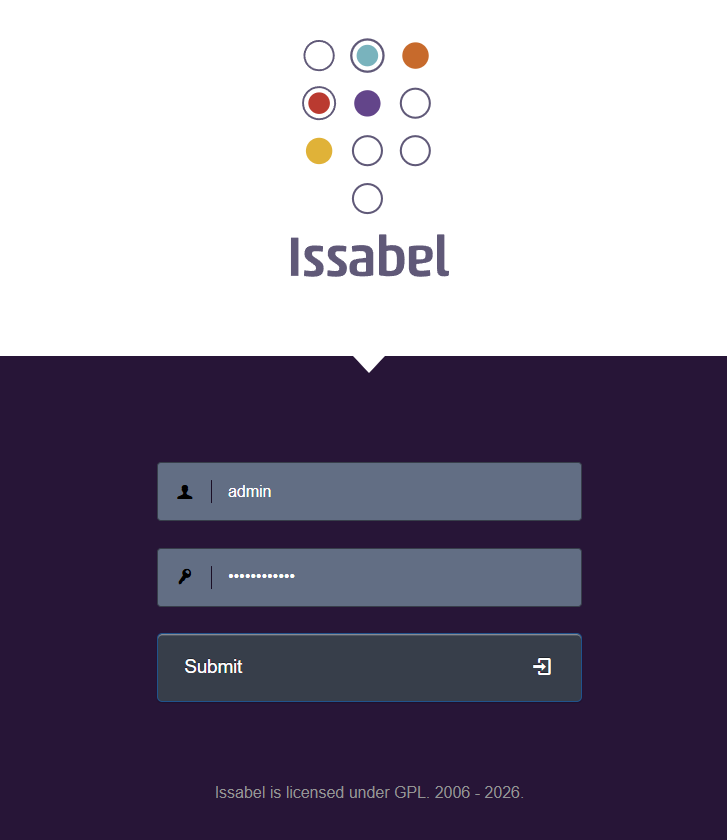
Issabel login screen After install:
http://YOUR_SERVER_IP
Login:
- Username: admin
- Password: (set during install)
-
Post-Install Critical Configuration
Set Static IP (mandatory)
Edit:
nmtui
Configure Firewall
firewall-cmd --permanent --add-service=http
firewall-cmd --permanent --add-service=https
firewall-cmd --permanent --add-port=5060/udp
firewall-cmd --permanent --add-port=10000-20000/udp
firewall-cmd --reload
Enable Services
systemctl enable asterisk
systemctl enable httpd
systemctl enable mariadb
-
Configure Basic PBX
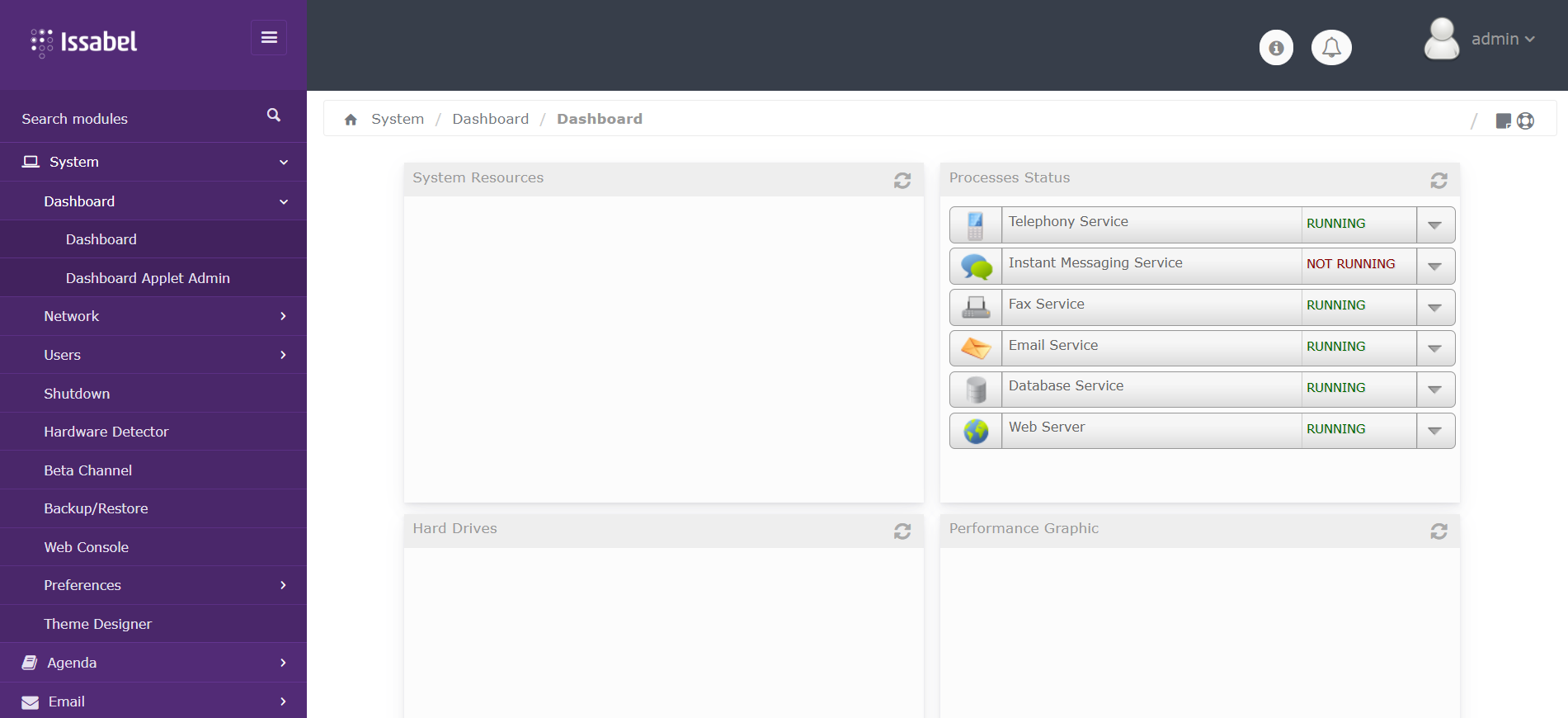
Issabel dashboard In Web UI:
Create Extension
PBX → Extensions → Add Extension
Example:
- Extension: 1001
- Secret: password
Configure SIP
Use PJSIP (recommended)
-
Install Issabel Contact Center Module
-
Verify PBX is working
Contact Center requires:
- Working extensions
- SIP trunk (optional but recommended)
-
Install Module
In Issabel UI:
Addons → Issabel Addons → Contact Center
Or CLI:
issabel-addons install contactcenter
-
Register Issabel Instance
Required before enabling contact center:
- Go to System → Registration
-
-
Configure Contact Center
Create Agents
Contact Center → Agents
Create Queues
Contact Center → Queues
Create Campaign
- Inbound (support)
- Outbound (dialing)
Assign:
- Agents
- Queue
- Dialplan
-
Configure VoIP Provider (SIP Trunk)
PBX → Trunks
Example (generic SIP):
username=YOUR_SIP_USER
secret=YOUR_SIP_PASS
host=provider.com
-
Security Hardening (CRITICAL)
Enable Fail2Ban
dnf install fail2ban -y
systemctl enable fail2ban
systemctl start fail2ban
Restrict SIP Access
firewall-cmd --permanent --add-rich-rule='rule family="ipv4" source address="YOUR_IP" port protocol="udp" port="5060" accept'
Disable Anonymous SIP
Edit:
/etc/asterisk/pjsip.conf
-
Performance Optimization
Increase File Limits
echo "* soft nofile 65535" >> /etc/security/limits.conf
echo "* hard nofile 65535" >> /etc/security/limits.conf
Tune RTP
/etc/asterisk/rtp.conf
-
Verify Installation
Check services:
systemctl status asterisk
systemctl status httpd
systemctl status mariadb
Check Asterisk:
asterisk -rvvv
-
Test Call Flow
- Register 2 softphones (Zoiper, Linphone)
- Call extension-to-extension
- Test queue routing
- Test campaign dialing
⚠️ Common Issues
Installer fails
- Ensure Rocky Linux 8 (not 9)
No audio
- Open RTP ports (10000–20000 UDP)
Contact Center not working
- PBX not fully configured
- Instance not registered
🧠 Key Notes
- Issabel 5 is designed specifically for Rocky Linux environments
- Contact Center depends on proper PBX setup first
- Always deploy on clean VPS (no control panel)
✅ Done
You now have:
See Also: How to Install Sakai LMS on AlmaLinux VPS
- Fully functional Issabel PBX
- Contact Center module (agents, queues, campaigns)
- Production-ready VoIP system
Conclusion
You now know how to deploy Issabel PBX on Rocky Linux VPS.