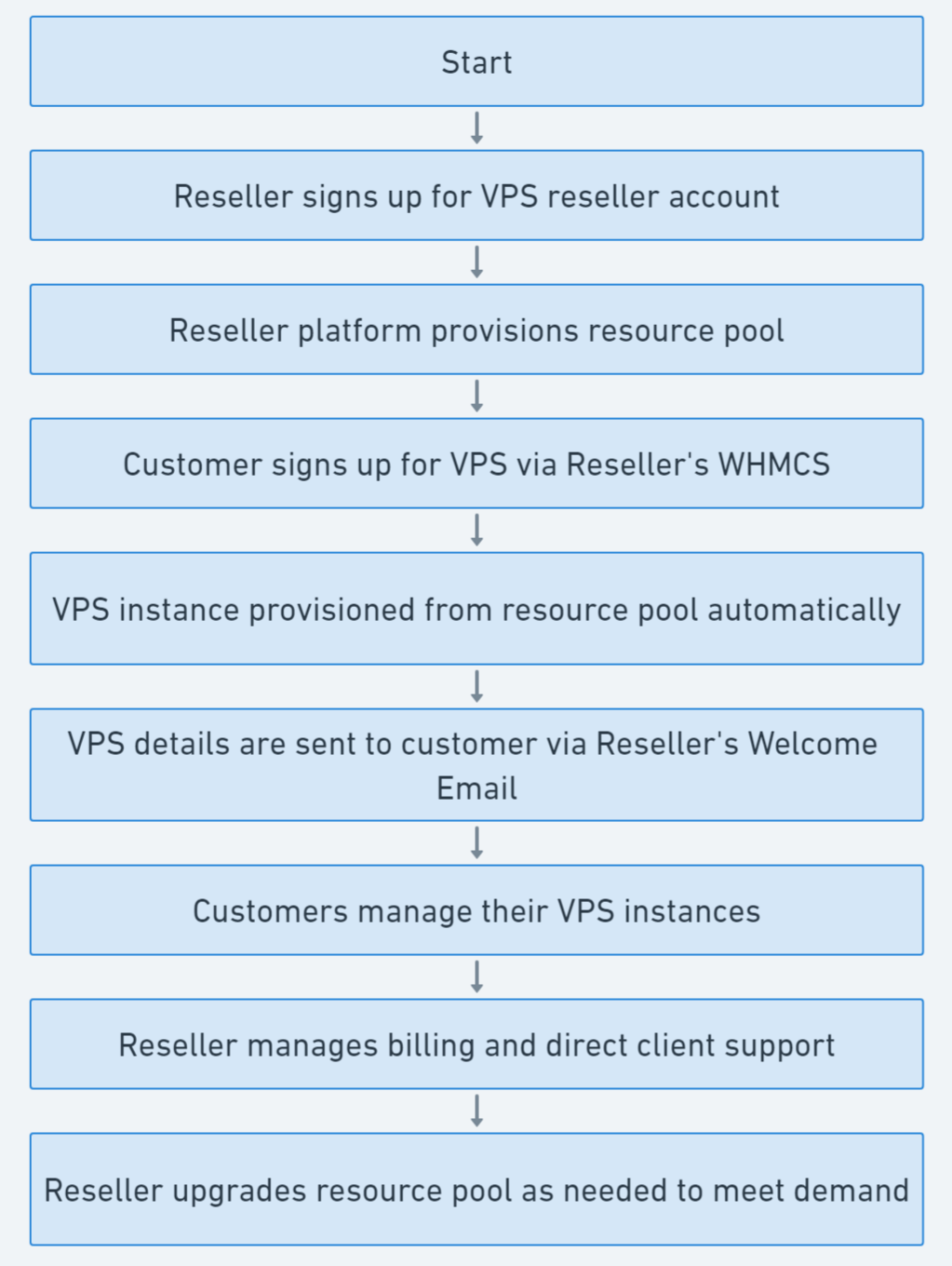
This article provides a visual illustration of the VPS reselling workflow, made possible by the white-label VPS reseller service and the WHMCS VPS Reseller module provided by Rad Web Hosting.
Recommended: 5 Minute Guide to Integrate WHMCS VPS Reseller
The VPS Reselling Workflow (in summary):
- Start
- Reseller signs up for VPS reseller account
- Reseller platform provisions resource pool
- Customer signs up for VPS via Reseller’s WHMCS
- VPS instance provisioned from resource pool automatically
- VPS details are sent to customer via Reseller’s Welcome Email
- Customers manage their VPS instances
- Reseller manages billing and direct client support
- Reseller upgrades resource pool as needed to meet demand
VPS Reseller Flow Chart (Visual Guide)
To help further illustrate the flow, here’s a VPS Reseller flow chart:

Let’s break down the flow, one step at a time:
-
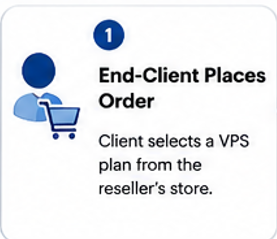
End-Client Places Order through Reseller’s website.
-
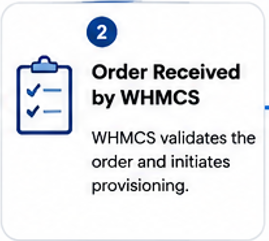
WHMCS Receives and Validates Order
-
Reseller’s WHMCS Sends Provisioning Request to Cloud Manager

-
Check Resource Pool Availability of Free Resources

-
Resources Available and VPS Provisioning is Successful

-
Provisioning Completed and VPS Details are Added to WHMCS Service

-
End-User Now Accesses and Begins Using the VPS


Conclusion
Please don’t hesitate to contact us for any additional information about reselling VPS.